
Smart Lock vs Traditional Deadbolt: Which Is Actually Safer in 2026?
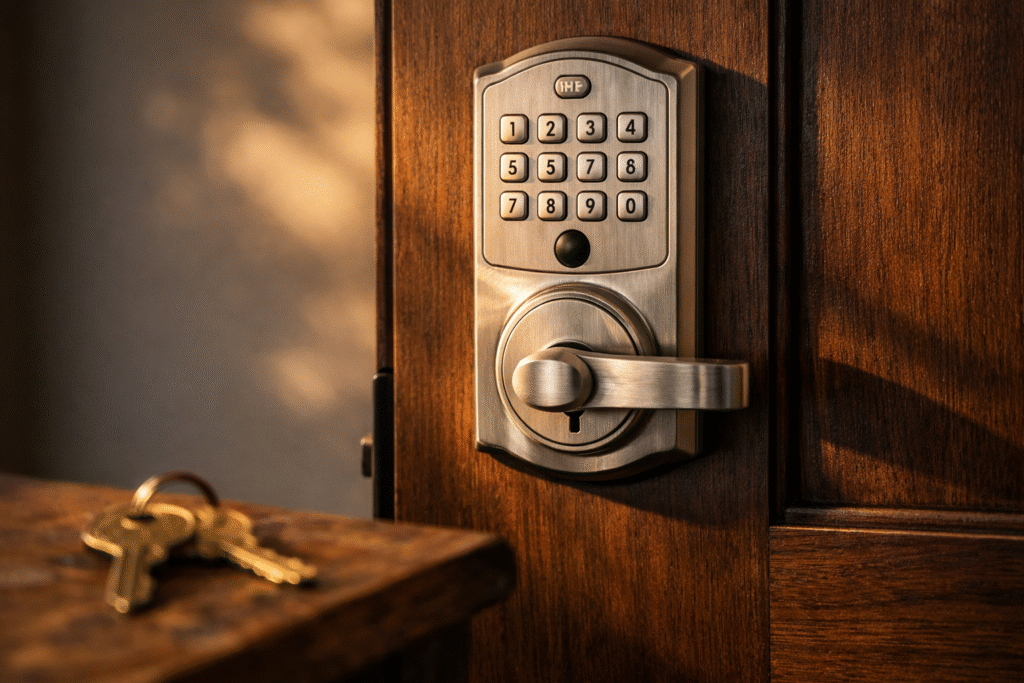
If you’ve been shopping for locks, you’ve probably noticed the split: glossy smart locks ($150–$400) and plain mechanical deadbolts ($40–$150). Both manufacturers claim theirs is “more secure.” The truth is more nuanced, and it comes down to what you’re actually defending against.
The short answer
For keeping burglars out, a good Grade 1 or Grade 2 deadbolt is still the gold standard. Smart locks have closed most of the gap in the last 5 years — but a cheap smart lock is less secure than a good deadbolt, and a premium smart lock with a mechanical Grade 2 body is about equal.
Where smart locks win: keyless entry, remote access, user logs, and scheduled access for family, guests, and contractors. Where deadbolts win: physical attack resistance and no dependency on batteries, apps, or firmware.
What “Grade” actually means
The ANSI/BHMA grading system tests locks for durability and physical attack:
- Grade 1: Commercial-grade. Withstands 10 hammer-blow strikes, 6 door-prying attempts, 250,000 open/close cycles.
- Grade 2: Heavy residential. 5 hammer strikes, 3 pry attempts, 100,000 cycles.
- Grade 3: Entry-level residential. 2 strikes, 2 pries, 100,000 cycles. Most big-box deadbolts are Grade 3.
Whatever lock you buy, check the BHMA sticker or spec sheet. The word “deadbolt” on the box doesn’t tell you what you’re getting.
How smart locks actually get attacked
Most smart lock “hacks” you see in YouTube videos are not what burglars actually do. Real break-ins follow this pattern: force a door or window, kick a lock, or exploit a careless user. Specifically:
- Kick-in attack on the lock body. This is 90% of real break-ins. A quality deadbolt mounted with 3-inch strike-plate screws (into the stud, not just the jamb) resists this. Cheap smart locks with plastic internal mechanisms don’t.
- Shimming or bumping the cylinder. Both smart and mechanical locks can be vulnerable if they use a standard Kwikset SmartKey or similar. Higher-security keyways (Schlage Primus, Medeco) resist this on both types.
- Social engineering the app. Shared codes that don’t get rotated, “guest access” left on permanently, PINs seen over the shoulder. Smart locks create new risks here that mechanical deadbolts don’t have.
Smart locks: what to actually buy
If you go smart, prioritize these:
- ANSI Grade 2 or better mechanical body. Yale Assure, Schlage Encode, Kwikset Halo-level products.
- Local-first protocols (Zigbee, Z-Wave, Matter). Not just Wi-Fi or Bluetooth-only.
- Physical key backup. When the batteries die (and they will), you still want to get in.
- Manufacturer with a track record of security updates. Schlage, Yale, August, Level.
Avoid any smart lock under $100 — the body is almost always plastic or weak zinc and won’t survive a real forced-entry attempt.
Deadbolts: what to actually buy
- Schlage B60 / B80 series (Grade 1 or 2)
- Medeco Maxum (Grade 1, high-security keyway)
- Mul-T-Lock Hercular (Grade 1)
- Avoid: anything sold in a 2-pack for under $30 at big-box. Those are Grade 3 and fail the kick-in test in seconds.
What we recommend most often
For most single-family homes, the right answer is both:
- A Grade 1 or Grade 2 mechanical deadbolt as the primary lock on every exterior door.
- A smart lock on the main entry door if you want keyless/guest access — and only a model that also has a Grade 2 body.
- A reinforced strike plate with 3-inch screws on every door (the single cheapest and most effective upgrade — about $15).
The upgrade we do more than any other
Nine out of ten homes we visit have strike plates secured with ¾-inch screws into the softwood jamb. We swap those for 3-inch screws that reach the stud. That single upgrade turns a door that fails in one kick into one that fails in six or seven — which, statistically, is enough to make the burglar move on.
If you want us to come do a lock assessment on your home, book through our appointment page or see our smart lock installation service.
